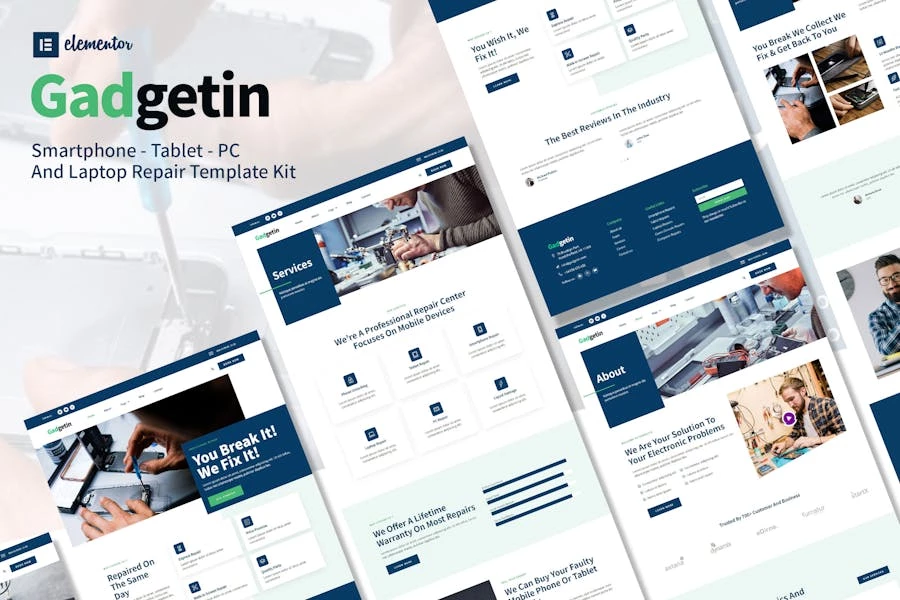
Gadgetin – Template Kit Elementor para reparación de teléfonos inteligentes y computadoras

Gadgetin is a Smartphone & Computer Repair Elementor Kit. Build for a website service repair, like smartphone, tablet, laptop, computer, or any other related services website.

This template is packed with 10 different pages for your website. Gadgetin works flawlessly on various screen size devices.

  • Elementor Pro upgrade is required for some templates and features (not included)

Templates Include:

  • Home
  • About Us
  • Team
  • Services
  • Price list
  • Testimonial
  • Single Post
  • Booking
  • 404
  • Blog
  • Contact

How to Install:

  1. Install and Activate the “Envato Elements” plugin from Plugins > Add New in WordPress
  2. Do not unzip
  3. Go to Elements > Installed Kits and click the Upload Template Kit button.
  4. Before importing a template, ensure the Install Requirements button is clicked to activate required plugins
  5. For best results, do not import more than one template at a time.
  6. Go to Pages and create a new page and click Edit with Elementor
  7. Click the gear icon at lower-left of the builder to view page settings and choose Elementor Full Width and hide page title
  8. Click the gray folder icon to access My Templates tab and then Import the page you’d like to customize

[Detailed Guide](https://help.market.envato.com/hc/en-us/articles/900000842846-How-to-use-the-Envato-Elements-WordPress-Plugin-v2-0″)

For further support, go to Elementor > Get Help in WordPress menu.–

This Template Kit uses demo images from Envato Elements. You will need to license these images from Envato Elements to use them on your website, or you can substitute them with your own.<br/><br/><ul><li>

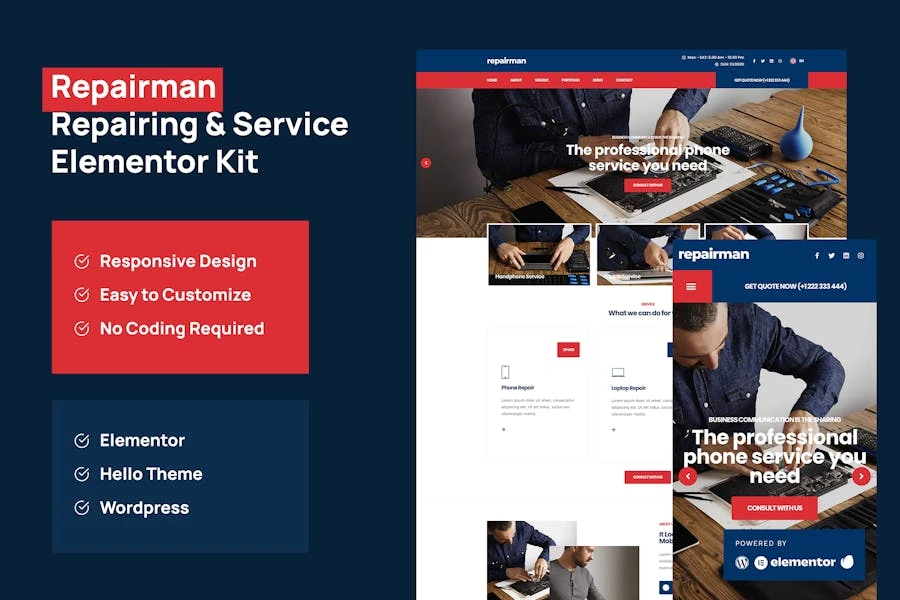
Gadgetin is a Smartphone & Computer Repair Elementor Kit. Build for a website service repair, like smartphone, tablet, laptop, computer, or any other related services website.

This template is packed with 10 different pages for your website. Gadgetin works flawlessly on various screen size devices.

  • Elementor Pro upgrade is required for some templates and features (not included)

Templates Include:

  • Home
  • About Us
  • Team
  • Services
  • Price list
  • Testimonial
  • Single Post
  • Booking
  • 404
  • Blog
  • Contact

How to Install:

  1. Install and Activate the “Envato Elements” plugin from Plugins > Add New in WordPress
  2. Do not unzip
  3. Go to Elements > Installed Kits and click the Upload Template Kit button.
  4. Before importing a template, ensure the Install Requirements button is clicked to activate required plugins
  5. For best results, do not import more than one template at a time.
  6. Go to Pages and create a new page and click Edit with Elementor
  7. Click the gear icon at lower-left of the builder to view page settings and choose Elementor Full Width and hide page title
  8. Click the gray folder icon to access My Templates tab and then Import the page you’d like to customize

[Detailed Guide](https://help.market.envato.com/hc/en-us/articles/900000842846-How-to-use-the-Envato-Elements-WordPress-Plugin-v2-0″)

For further support, go to Elementor > Get Help in WordPress menu.–

This Template Kit uses demo images from Envato Elements. You will need to license these images from Envato Elements to use them on your website, or you can substitute them with your own.<br/><br/><ul><li>

$

  • Licencia no requerida.
  • Actualizaciones periodicas.
  • Uso ilimitado en sitios y dominios
  • Este es un pago seguro SSL. Credit Card Certificate

¡Accede a todas las descargas por solo $4.99!

¡Obtén acceso instantáneo a tas las descargas exclusivas! 😎 Con una suscripción mensual de solo $4.99/USD. ¡No te pierdas esta oportunidad! Regístrate ahora y comienza a descargar todo lo que necesitas para llevar tu proyecto al siguiente nivel. 💪